01
The day before yesterday, I was chatting with a very strong developer. He can close a single project worth about 300,000 RMB in one or two months, and he can land several of those a year. Honestly, I was jealous.
During the conversation, I mentioned that I had spent June refactoring some AI-written code, and that the process had been mentally exhausting. That was when he brought this up.
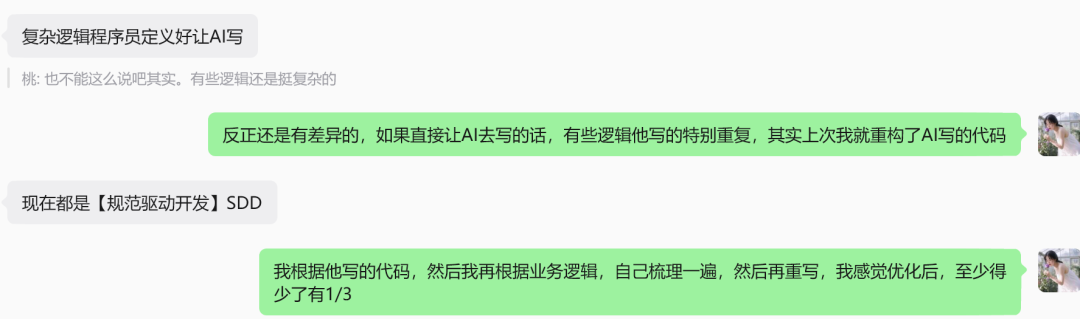
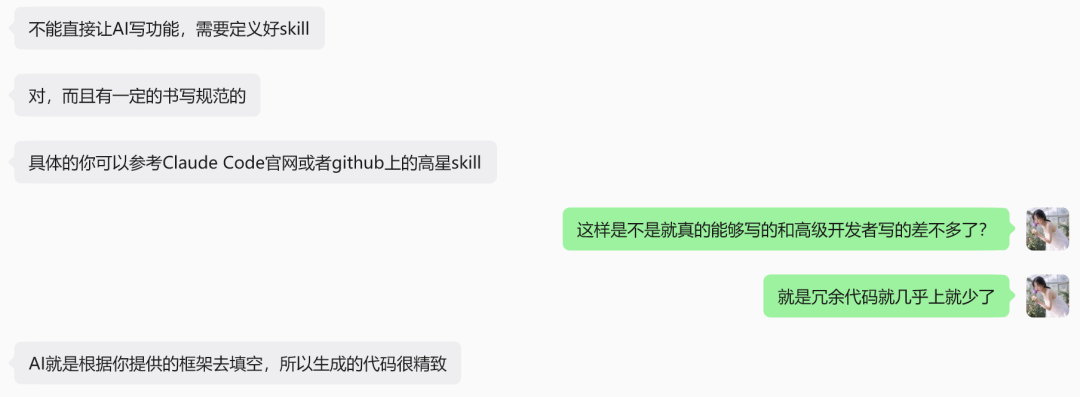
After seeing what he said, I felt like I had finally found an answer to a worry I had been carrying for a while: if I write everything with AI, will the project become more and more out of control?
That anxiety was real. It was one of the reasons I decided to pause selling Pay4SaaS for a while and adjust the project first. I did not think it was robust enough yet.
Whether I use the code myself or sell it to other people, the code still needs to stay under my control. That is the only sustainable way.
There have not been obvious problems so far, but having rules is a hundred times better than having none. So I remembered this term, started studying it yesterday, and now let us walk through it together.
02
What Is SDD?
SDD means Spec-Driven Development.
The core idea is to first write down what needs to be built, why it matters, how it will be accepted, and what risks exist. Only then do you move into implementation. Traditional development often starts with code first and fills in requirements later. AI coding makes it even easier to drift in that direction.
SDD flips the order. You create the spec, plan, and tasks first, then let AI or developers execute against those tasks.
For a project like Pay4SaaS, which deals with money and consumption, SDD is especially valuable. The project includes high-risk logic such as payment, checkout, webhook, credits, quota, subscription, Supabase, RLS, RPC, and service-role access. If you change code based only on intuition, it is easy to break entitlement granting, idempotency, app isolation, or database security boundaries.
The point of SDD is to expose those risks before writing code.
The first benefit is reducing requirement misunderstandings.
Writing a spec before starting a feature makes user stories, acceptance criteria, edge cases, and documentation impact concrete.
The second benefit is controlling implementation scope. It helps prevent AI from casually refactoring unrelated files or introducing unnecessary architecture.
The third benefit is leaving a decision record. Later, when you look back, you can see why something was designed a certain way, which risks were accepted, and which validations were already done.
03
What Is GitHub Spec Kit?
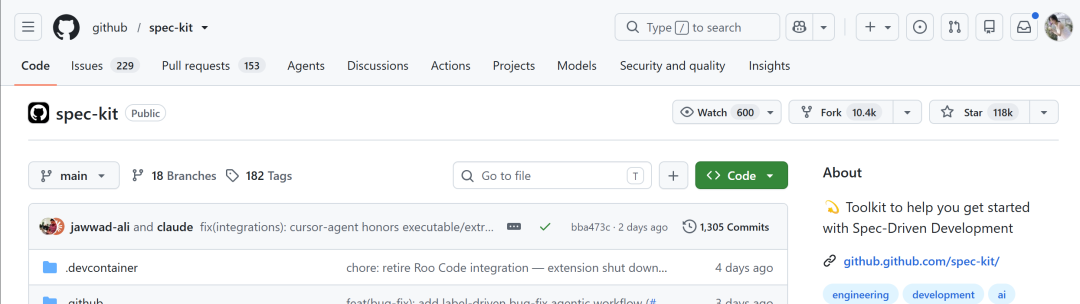
GitHub Spec Kit is a set of tools and templates for putting SDD into practice. It usually maintains a .specify/ directory in the project, containing a project constitution, spec templates, plan templates, task templates, and checklist templates. It is not a framework that writes business code for you. It helps structure the things you should think through before development starts.
If writing code is like construction, Spec Kit is like the blueprint, approval form, task list, and acceptance checklist before construction begins.
Code is the brick, cement, and wiring. Spec Kit does not replace those things, but it tells you what to build, which areas must not be touched carelessly, what should happen first, and how to check whether the work is complete. You can write code without Spec Kit, but complex projects can easily become scattered, especially when AI keeps iterating on them.
Spec Kit usually includes several files and workflows:
constitution.md is the project constitution. It records long-term principles the project must not violate. spec-template.md generates feature specifications that describe requirements, user scenarios, success criteria, and boundaries. plan-template.md generates implementation plans that cover technical approach, repository evidence, constitution checks, and validation mapping. tasks-template.md generates executable tasks. checklist-template.md generates targeted checklists.
In Pay4SaaS, I have already customized these templates for the project. They check payment and entitlement stability, server-side trust boundaries, webhook idempotency, Supabase app isolation, migration strategy, documentation sync, dependency lockfiles, and the lightweight path for low-risk changes.
04
How Do You Install Spec Kit in a Project?
If your project does not have Spec Kit yet, you can ask AI to help install or initialize GitHub Spec Kit with one sentence:
帮我安装或初始化 GitHub Spec Kit。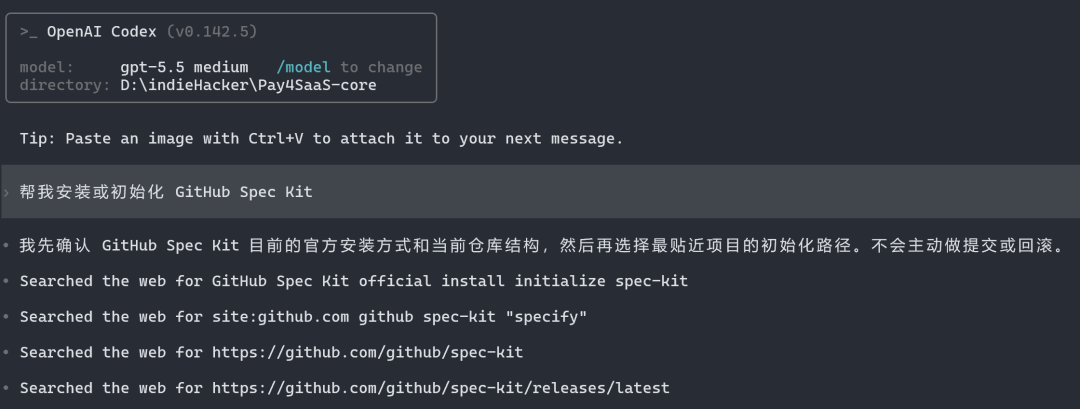
After installation, you will have skills and a .specify/ directory.
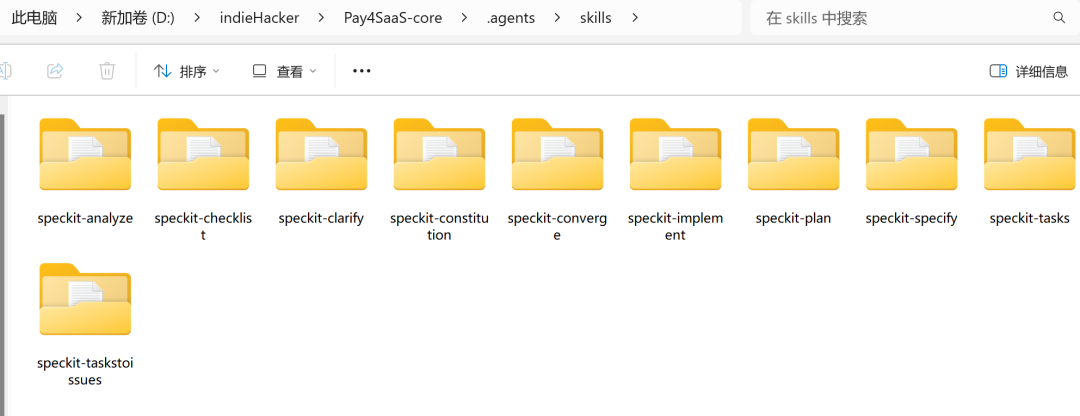
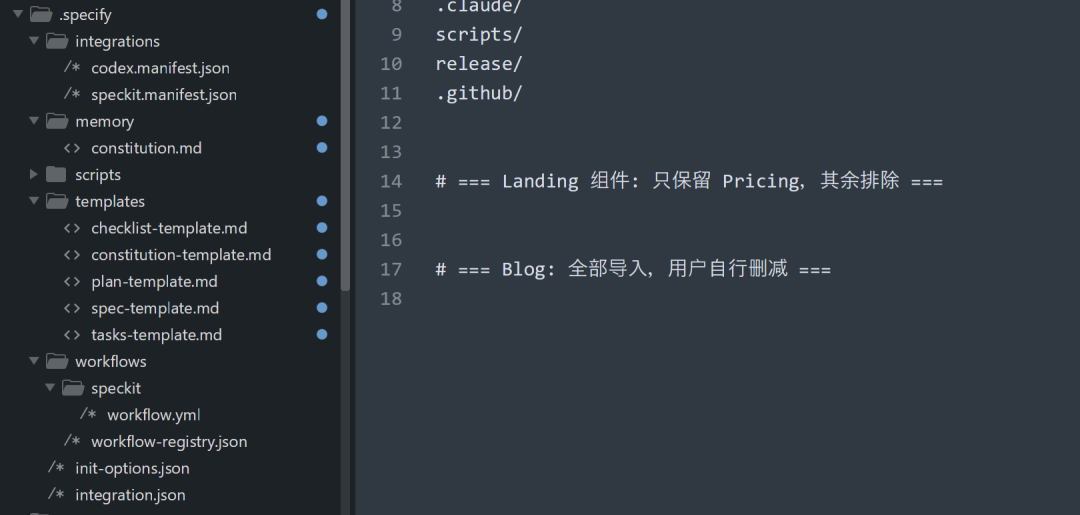
| Skill | What it does | When to use it |
|---|---|---|
| speckit-specify | Turns natural language requirements into spec.md, defining user scenarios, requirements, success criteria, and edge cases | When a new feature is starting and there is no formal spec yet |
| speckit-clarify | Finds unclear questions in spec.md that could affect implementation | When the spec exists but requirements, boundaries, or business rules are still fuzzy |
| speckit-plan | Generates plan.md from spec.md, adding technical approach, repository evidence, constitution checks, and validation mapping | After requirements are clear and you are ready to design the implementation |
| speckit-tasks | Generates tasks.md from the spec and plan, breaking work into executable tasks | After the technical plan is set and before writing code |
| speckit-analyze | Audits consistency, duplication, gaps, and constitution conflicts across spec.md, plan.md, and tasks.md | After tasks are generated and before implementation |
| speckit-implement | Executes implementation according to tasks.md | When tasks are ready and implementation has been approved |
| speckit-checklist | Generates a targeted checklist for the current feature | When you need payment safety, pre-release, documentation sync, or other focused checks |
| speckit-constitution | Creates or updates the project constitution and related template sync notes | When project rules, development principles, or quality gates need to change |
| speckit-converge | Compares code against spec / plan / tasks, finds unfinished or inconsistent work, and appends missing tasks | In the middle or late stages of implementation, when you suspect missing work or drift |
| speckit-taskstoissues | Converts tasks.md into GitHub issues | When you want to manage tasks as GitHub issues |
05
What Should the Real Development Workflow Look Like?
The first step is to create or maintain the constitution. Trigger it with $speckit-constitution.
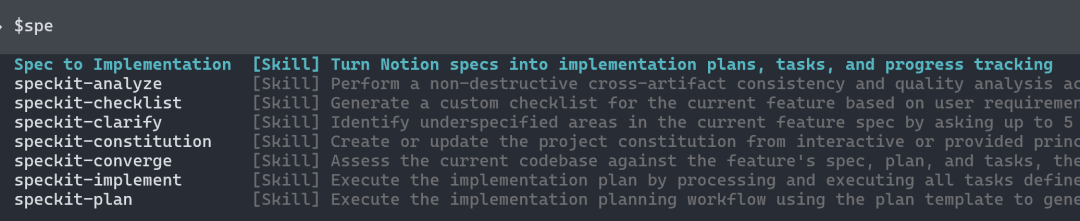
The constitution does not need to change for every feature, but a project should have one before it becomes standardized. It defines what must not be handled carelessly, such as payment correctness, server-side trust boundaries, webhook signature verification and idempotency, Supabase isolation, and simple architecture. After writing it, you must review it carefully yourself.
The second step is writing the spec. When you propose a new feature, use speckit-specify to organize the requirement into a specification. It should clearly state who the user is, what they need to accomplish, what the acceptance criteria are, and which boundaries must not be broken. Low-risk changes should explain why they are low risk. High-risk changes should list their triggers.
The third step is clarifying the requirement. If the spec has uncertain areas, use speckit-clarify to ask the key questions. Do not guess your way through payment, billing, database, or auth logic.
The fourth step is writing the plan. Use speckit-plan to generate an implementation plan. It records repository evidence, technical approach, constitution checks, migration strategy, dependency lockfile impact, documentation impact, and validation mapping. High-risk changes must make both the risks and validation methods explicit.
The fifth step is breaking the work into tasks. Use speckit-tasks to turn the plan into executable tasks. Tasks should let a developer or AI complete the work step by step. Do not write vague tasks like "implement payment feature."
The sixth step is auditing before implementation. Use speckit-analyze to check whether the spec, plan, and tasks contain conflicts, duplication, missing work, ambiguity, or constitution violations. If needed, use speckit-checklist to generate a focused checklist.
Only the seventh step is implementation. Use speckit-implement to execute according to the tasks. If you discover that the tasks are incomplete during implementation, use speckit-converge to compare the code and documents, then append missing tasks. After implementation, follow the validation mapping in the plan and tasks, whether that means tests, sandbox checks, SQL Editor checks, or manual acceptance.
06
SDD and Spec Kit add some upfront maintenance work, but they keep AI coding from becoming increasingly out of control. Requirements, risks, tasks, and validation are placed on the table first, so later iterations involve less guessing and fewer emergency fixes.
For long-term projects, whether you are building alone or collaborating inside a company or team, this is ultimately a way to save time and mental energy. When you need to make changes later, you have something solid to rely on.
So next, I will continue using this workflow to gradually turn Pay4SaaS into a product I can truly control, maintain long term, and confidently deliver to users.
Related posts
Browse all postsWhy Global SaaS Subscriptions Are So Much More Complex Than You Think
SaaS subscriptions go far beyond 'pay and cancel.' Upgrades, downgrades, prorations, trials, payment failures — here's a breakdown of every scenario you need to handle.
A SaaS With 2.5 Million Monthly Visits Still Does Not Dare to Use Stripe
An AI face-swap SaaS with 2.5 million monthly visits does not use Stripe. Instead, it points users to Telegram and crypto. That says a lot about payment risk for indie developers.
Dropping My Moral Perfectionism Finally Unlocked My Business Thinking
I used to reject marketing, sales, and trends as 'beneath me.' Then I realized my moral high ground was just a filter that kept blocking real opportunities.